
Clear

Clear
Blog
Supported Technologies
We offer ongoing support for the latest releases of ASP.NET, ASP.Core, Silverlight, and other Microsoft-related technologies. Our support team is always glad to help you implement these technologies! Ongoing support, including the latest updates, assistance with database connectivity, performance optimization, and support for redirects and security for PHP. All packages get MySQL databases included at...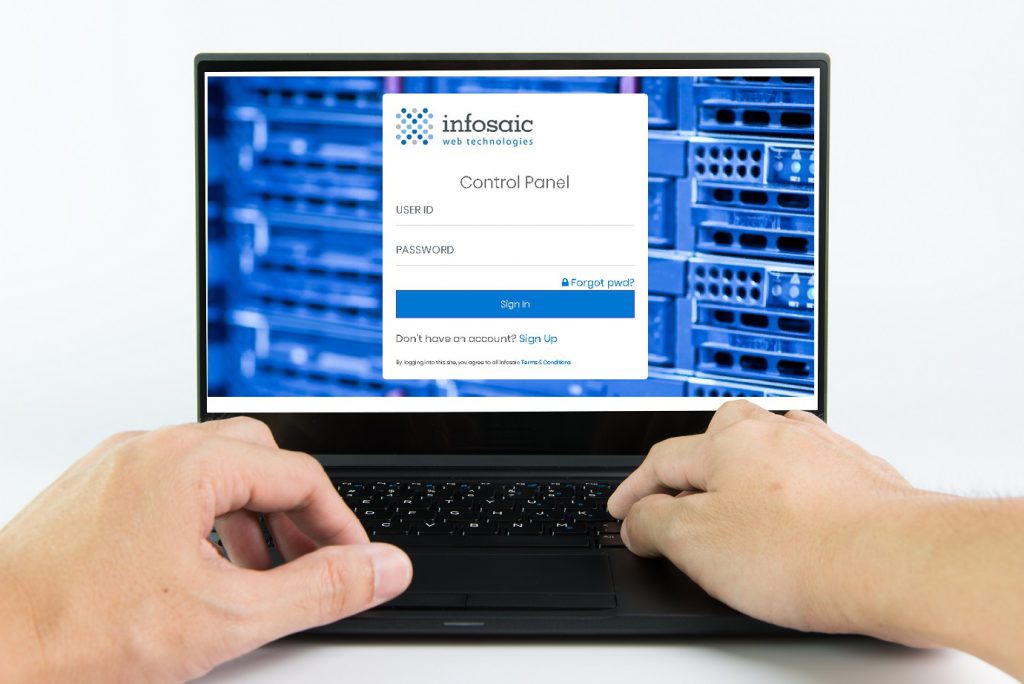
Infosaic has finished control panel re-design
As some of you have noticed, our control panel went through some major design changes. These changes are not only cosmetic, but also enhance functionality. You can review some of the new features at the end of this post. Meanwhile, we’re already working on additional improvements, some of which will be truly unique and significantly...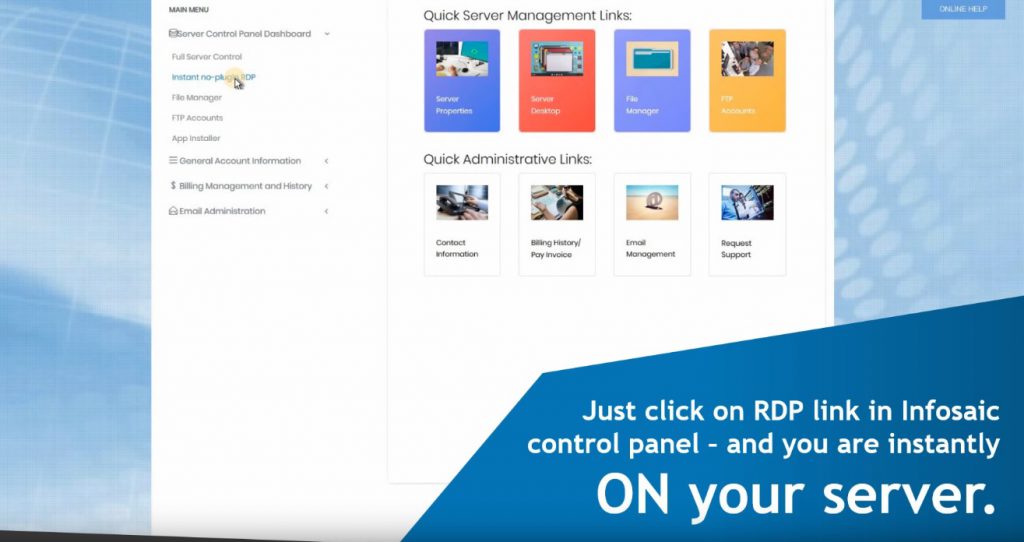
New Feature: Instant Browser Access to VPS or Dedicated Server
Infosaic introduces a new and unique feature: instant access to your dedicated VPS or server desktop right from your browser. No installation is required, and the software works with all major up-to-date browsers. Just three easy steps will get you from the control panel to your dedicated VPS or server desktop: Step 1: Login to...